

Built for local service businesses
Know what brings
your next paying customer.
Bring every call, form, and chat into one inbox. Know where each lead came from and which ones become booked jobs.
 Your workspace Leads
Your lead inbox
Select a lead to explore
AC repair request
Air conditioning stopped cooling. Looking for a repair visit.

Google Ads
Paid search
Phone call
Lead captured
Won
Current status
Job won. Source connected.
The booked repair stays linked to the ad that started it.
Built around your next customer
Every lead. The full picture.
Connect the first conversation to the work you win, with your calls, leads, and marketing results in one place.
Call tracking
Give every call
its context.
Bring calls from your connected phone provider into your lead inbox. Keep call details and available source information together, ready for the next conversation.
- Call history in one place
- Source details when provided
- Recordings when available


 CallRail
Lead management
One inbox.
More follow-through.
Calls, forms, and chats stay together. Qualify a lead, add notes, and track the next step without losing the story.

Chat tracking
Keep the conversation.
Keep the context.
Turn conversations from connected chat tools into leads. Keep available transcripts, with source details when a visit can be matched.

 Crisp
Crisp Tawk.to
Revenue attribution
See which marketing turns into work.
Connect recorded lead and job values to their marketing sources. Compare channels and ad spend using the results saved in your account.
Explore revenue attribution
Need something else? Tell us what you need
Integrations
Your tools,
working together.
Bring your forms, phone tools, and field service software together. Keep the tools you know, with your leads in one place.
Explore integrationsDon't see your tool? Let us know.






Different tools. A shared picture.
How it works
From first contact
to a clearer next step.
Bring the pieces together, then put your lead data to work.
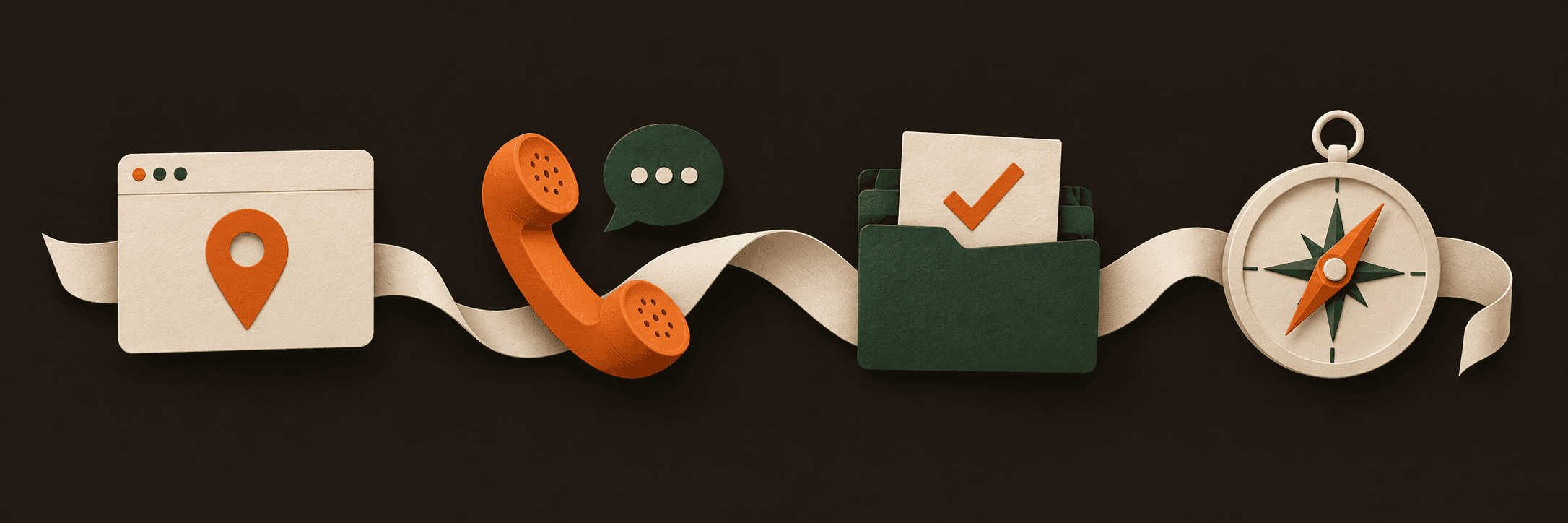
Connect your tools
Add your website snippet and connect the supported tools you already use.
Bring leads together
Keep calls, forms, and chats in one inbox, with the context available for each lead.
Follow the work
Qualify leads, add notes, and record job values as opportunities move forward.
Understand the result
Compare your channels and ad spend using the results recorded in your workspace.
Why not just use GA4
Keep the analytics.
Add the customer context.
Use GA4 to understand website activity. Use Local Wrangler to organize inquiries and follow the work behind your marketing.
Main focus
- Google Analytics 4
- Website and app activity
- Local Wrangler
- Inquiries and work outcomes
Customer context
- Google Analytics 4
- Events and dimensions
- Local Wrangler
- Submitted contact details and available source
Journeys
- Google Analytics 4
- Path and funnel exploration
- Local Wrangler
- Available visit context alongside a lead
Daily workflow
- Google Analytics 4
- Analyze audiences and key events
- Local Wrangler
- Qualify, add notes, and follow up
Results
- Google Analytics 4
- Configured lead and revenue events
- Local Wrangler
- Recorded lead and job values with ad spend
Different jobs. A clearer picture together.
Explore GA4's path reports and recommended events.

Privacy first
Useful insights.
Thoughtful boundaries.
Understand your marketing with a tracker designed around first-party measurement.
No visitor cookies
Our website tracker uses first-party browser storage, not visitor cookies.
Site-specific measurement
Visitor identifiers are scoped to your site, not linked across other websites.
Respects GPC signals
The tracker skips forwarding form leads to GA4 and the data layer when Global Privacy Control is enabled.
Your data, your business
We process visitor and lead data on your behalf. We do not sell personal data.
You remain responsible for your privacy notice and consent.
Read our privacy policyFAQ
Good questions.
Clear answers.
A few things to know before you get started.
Getting started
How do I get started?
Create your account, set up your workspace, and add the tracking snippet to your website. Connect the tools you use to bring calls, forms, and chats into your lead inbox.
Follow the setup guideWill it work with my website?
Install the tracking snippet on a site where you can edit the page code or use a tag manager. For embedded or third-party forms, use a supported integration or webhook so submissions can be received reliably.
Find your installation methodCan I keep my current phone provider?
Yes, if it is a supported provider. Connect it to bring call details into Local Wrangler. Source information, recordings, and transcripts depend on what that provider makes available.
See phone integrationsLeads & integrations
What can I track in one place?
Keep calls, form submissions, and supported chat conversations in your lead inbox. Review available attribution, update lead status, add notes, and record lead or job values.
Explore the lead inboxWhich tools can I connect?
Connect supported phone providers, forms, chat tools, and field service software. The integration guides list available providers and the setup steps for each one.
Browse integrationsDoes every lead include a marketing source?
Source and campaign details appear when they are supplied by a provider or matched to a tracked website visit. The details you see depend on the data available for each lead.
Understand call and chat attributionPlans & privacy
What happens during the free trial?
Your platform subscription starts with a 14-day free trial. A card is required. Your chosen plan begins billing after the trial unless you cancel first.
Read about billingHow do I manage my subscription?
Open Settings, then Billing, to manage your subscription. Use the billing portal to update payment details or manage cancellation. Review the Terms of Service for billing conditions.
Read the termsWhere can I read about privacy?
Our Privacy Policy explains what data is collected, how it is used and shared with service providers, and how to request help with your data.
Read the privacy policy
Built for local service businesses
Stop guessing.
Start knowing.
For the businesses that keep their communities running. Connect your inquiries, follow the work, and see what your marketing brings in.
- See the source
- Keep available marketing context with each inquiry.
- Follow through
- Qualify leads and keep notes as work moves forward.
- Connect the outcome
- Record job values and compare them with your ad spend.
Explore the workflow